How can I stop Windows from making alternative word suggestions and telling me that my choice of words 'lessens the impact' of my writing? If I use 'maybe' or 'perhaps' or 'possibly' or 'at the moment' it complains. In other words if I use any qualifying phrases Windows disapproves. I press 'ignore' which it does briefly but if I carry on composing it insists on making the same suggestions again. I hate all these 'improvements' which I have not asked for.
After the win 10 update last night, my email stopped working. I contacted my provider and we changed from a POP3 account to an IMAP one. I moved the existing POP3 email messages into the new IMAP email acct folders, but they are not readable as each comes up with :
Message could not be displayedWindows Live Mail encountered an unexpected problem while displaying this message. Check your computer for low memory or low disk space and try again.
I tried moving the messages back to the POP3 email account folders but get error message saying "Some of the copied messages could not be downloaded and were not copied".
I have tried repairing Windows Essentials, it too failed. I am very upset that after the win10 update yesterday, it had reset and turned OFF my system restore, so that option is NOT available.
Can someone please assist me? Thank you.
I use windows Live mail to get my mail from Frontier I've got all the information correct but its not loading the mail at all and keeps telling me my password isn't right when I know it is thanks Lola Crist
The computer list of calls will no longer update after Recent Calls has been cleared via my phone. I have tried various restarts and updates to no avail. Any assistance would be appreciated.
Cannot SEND. Can RECEIVE.
Windows 10 Photo App has imported every .png from every application on my computer and will not let me delete them from my collections. For example it has imported every .png from Microsoft.WindowsStore, all 188 of them. They are .png images of Briefcases
with the Windows logo. How to I get ride of them without loosing "my actual" photos?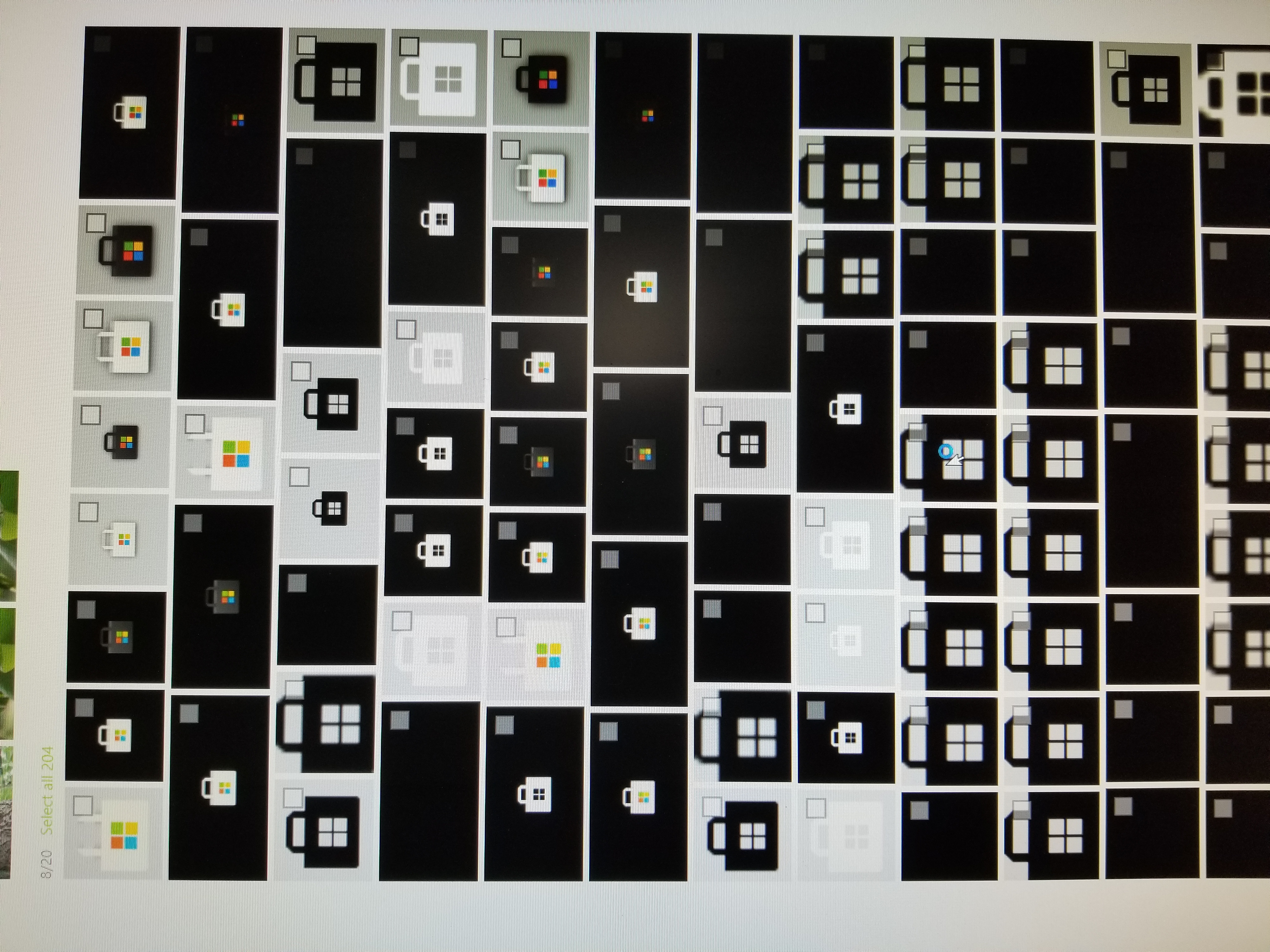
Help! My live mail shows as usual on my desktop, but am unable to send or receive on it. I have no problems with receiving and sending mail on my other devices - ipad and iphone.
Any suggestions?
Birdiekitella
I have used Live Movie Maker for years and it has always worked perfectly. I bought a GoPro8 and captured some HD video which edited as expected. I then captured some 4K video and was required to purchase (from Microsoft) the HEVC Codecs in order to play the 4K footage. This worked. However when I next tried to use Live Movie Maker, the preview screen was black (so unusable). I thought perhaps it wasn't possible to edit 4K but then realised I was unable to edit any video resolution. Everything seems to point at the installation of the HEVC Codecs but, if I uninstall these, then presumably I would not be able to play the 4K?
As an aside, disappointed to be charged for the Codecs - not much but just the principle.
Hello -
My Aunt is having issues opening GMail emails in Windows Live Mail 2012. Yes, I'm aware that there is no more support for this, but she's used to it and doesn't want to change. I'm hoping someone can help me fix it. The emails seem to download, but when clicked on, there is a message that says: An unexpected error occurred. Please check your system for low memory and try again (not verbatim, but pretty close). She has 8GB of RAM and close to 400GB of disk space.
I have tried the following to get her up and running (to no avail):
1) I re-configured the IMAP settings as per GMail's instructions (using both the default & port #'s provided by GMail);
2) I updated Windows 10 & Google Chrome;
3) I uninstalled and reinstalled WLM (3 times) via control panel/uninstall programs (her account keeps coming up when WLM is launched - instead of a "blank" version) - have also restarted the computer between uninstalling & reinstalling;
4) I tried to remove her account, but all the folders still appear in the left hand column;
Also of note is that I have downloaded WLM and added her account on another computer and it works normally. Her "Storage Folders" which contain emails from her previous provider (q.com) are accessible and those emails can be opened/read.
Any help would be GREATLY appreciated.
Thanks,
Marc
This is the error message I get …..
Message could not be displayed
Windows Live Mail encountered an unexpected problem while displaying this message. Check your computer for low memory or low disk space and try again.
I have checked my memory and system states I do not have low memory.
Recent Comments