I have a brand new PC with the latest edition of Windows 10 64bit.
I cannot load up and use Live Mail despite the fact that my old PC with Win 10 uses it. Equally I cannot load up and use Mail. So for 48 hrs I have been without email connections.
Anybody got a suggestion?
Any ideas?
I've tried 'split' in the video section that I want to add music too but not at the beginning of the section of video.
emails I am sending to my live.co.uk account are not getting through from my external server.
I have check black list providers and my server is not listed on black lists.
I have used this email to test the account as I have had many issues from other customers who say they are not getting our emails.
At first I would get a bounced email from the server with a 5.0.0 status. After going through all our DNS settings and checking black list providers we have not exhausted options we can do to fix this issue.
Now when we send the email does not bounce back but when I check my live.co.uk to see if it is being received nothing is arriving.
regards
David
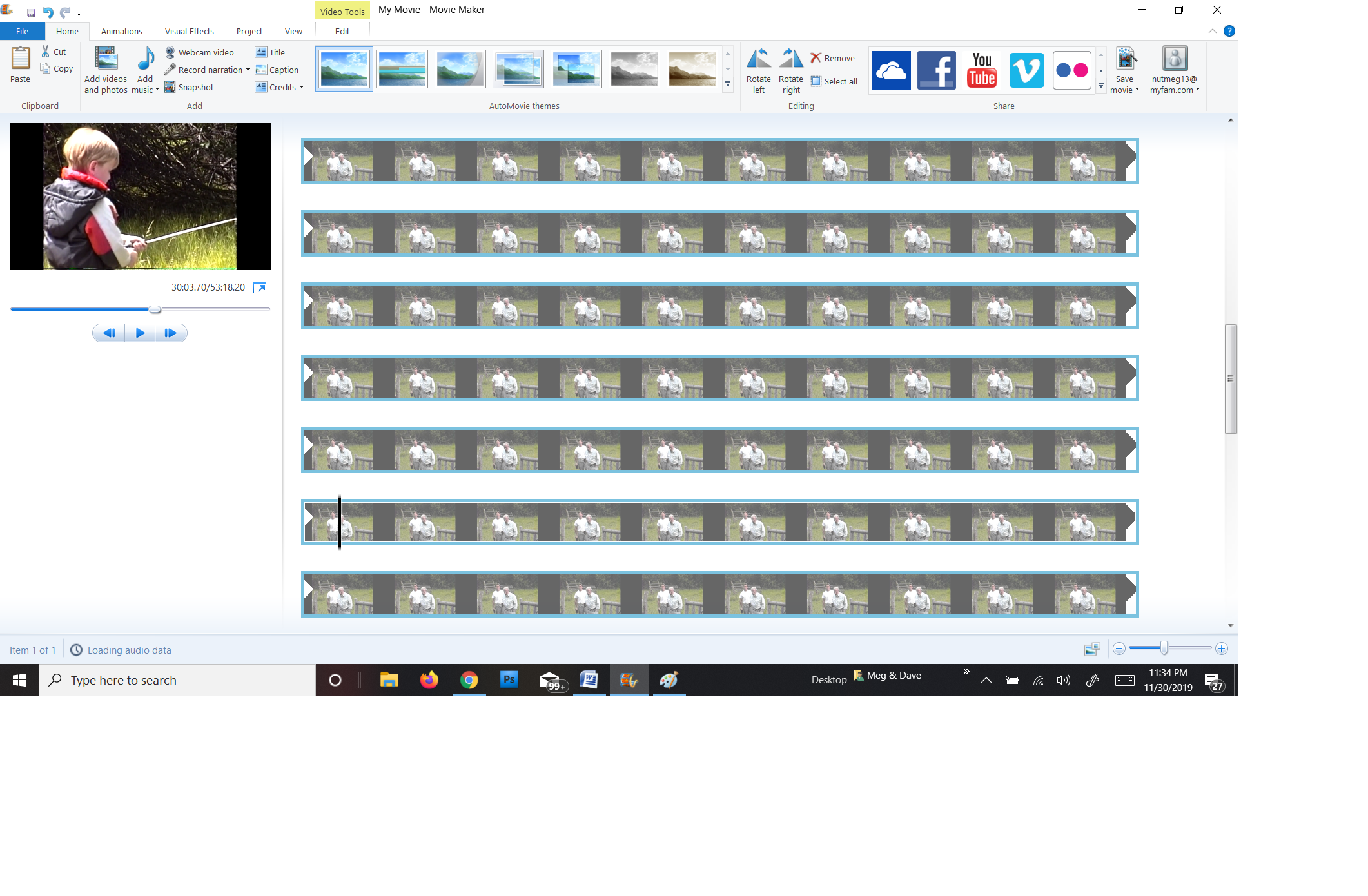
I'm having problems w/Movie Maker, where it shows the same thumbnail multiple times, so I cannot edit the project/movie. (I've used it before w/o having this problem.) It's now happening on my "projects" and on all MP4 movies (that I've tried). (Screenshots
below w/descriptions.)
I'm a novice at MovieMaker, but have not had this problem before. I've uninstalled & re-downloaded Microsoft Essentials, and rebooted my pc. The same thing now happens with both my projects and w/any MP4 movie I've tried. :-\ (???)
Examples:
"Project" (1) - Showing 1st shot of movie on left, after I set start & end points and trimmed twice. (Last trim was up to the shot that is now the repeating thumbnail, from 1st line on 'til end of thumbnails.) ~
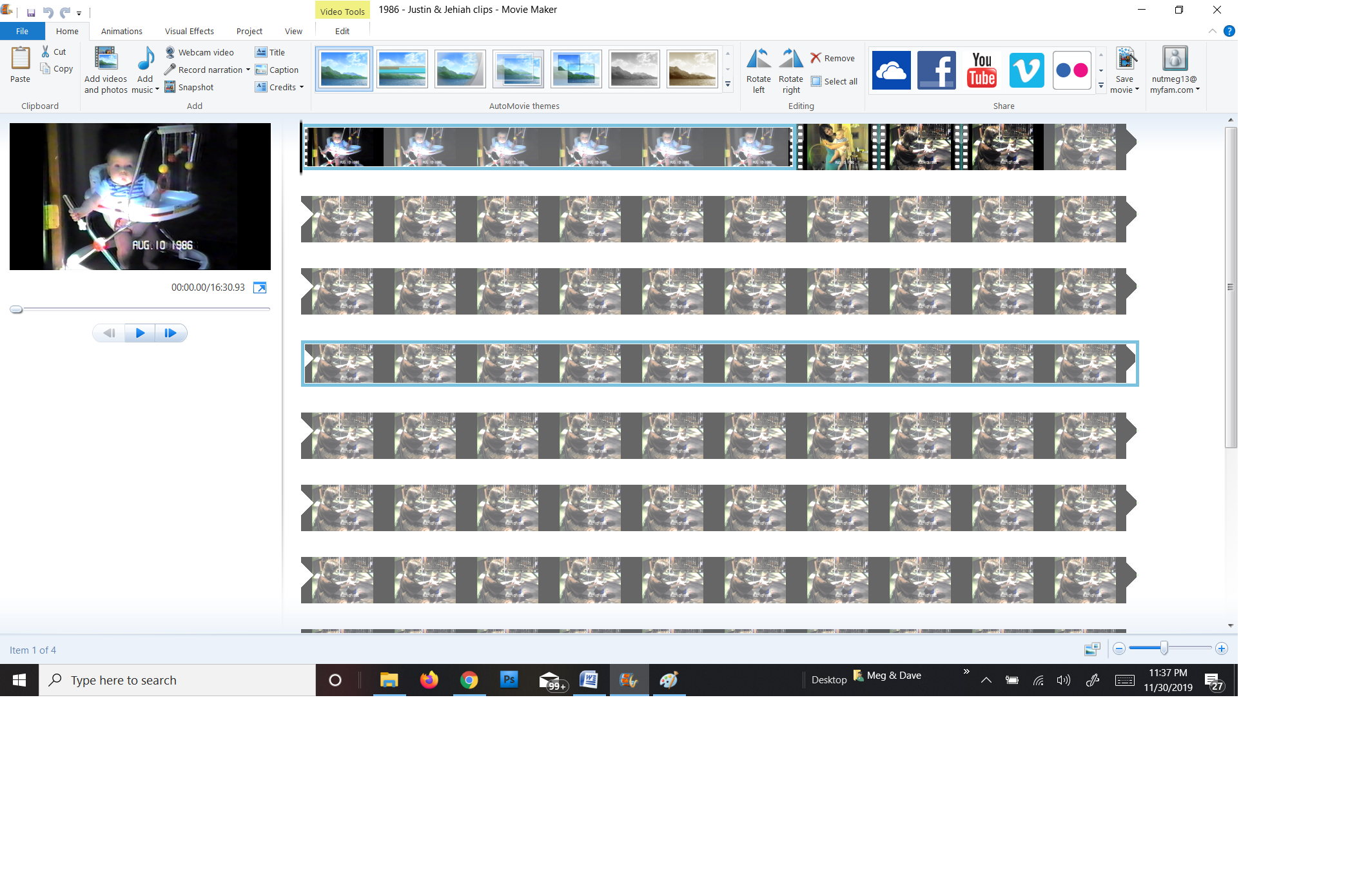
Same "Project" (1) - Advanced video to the shot that is now the repeating thumbnail ~
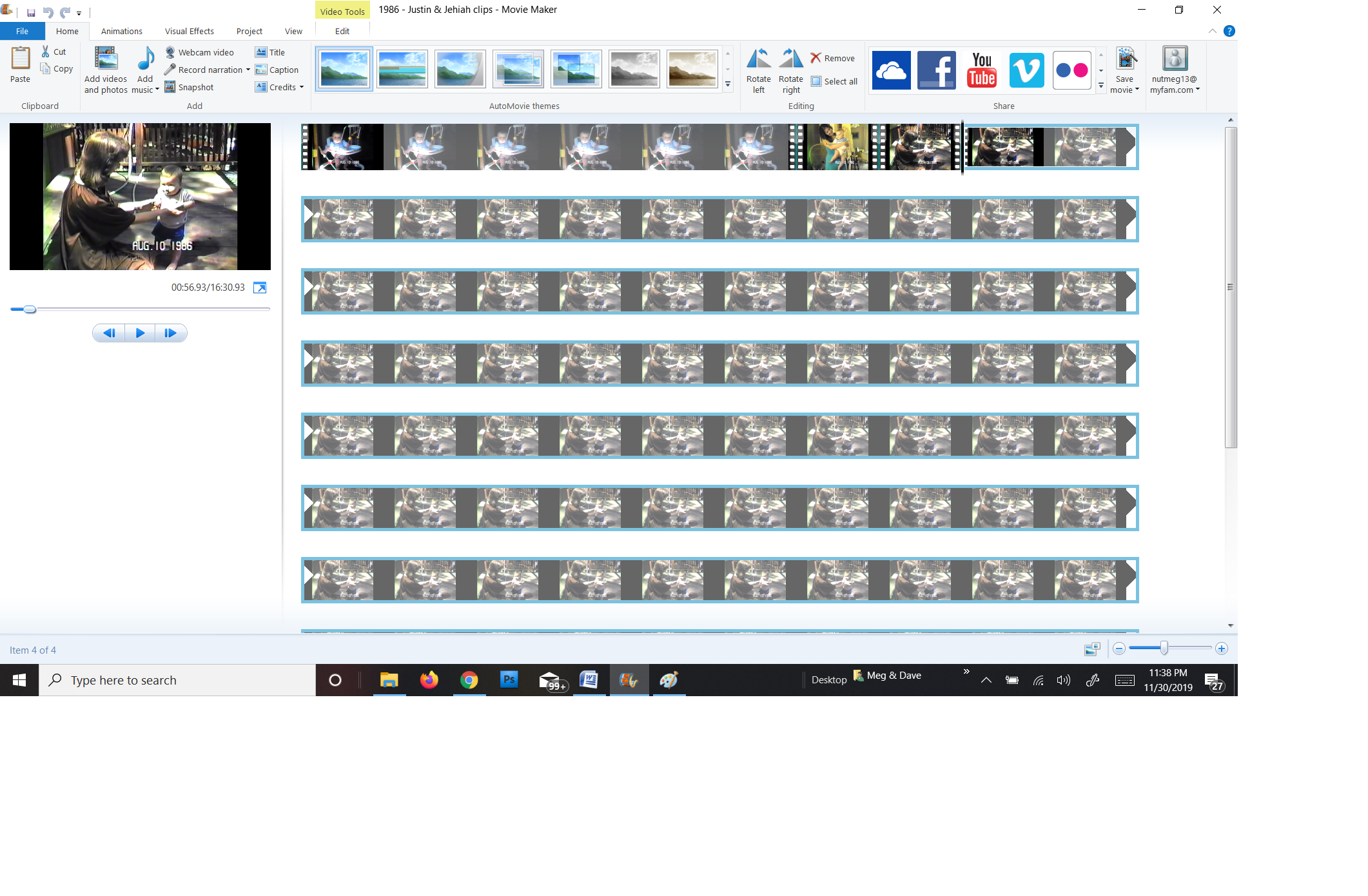
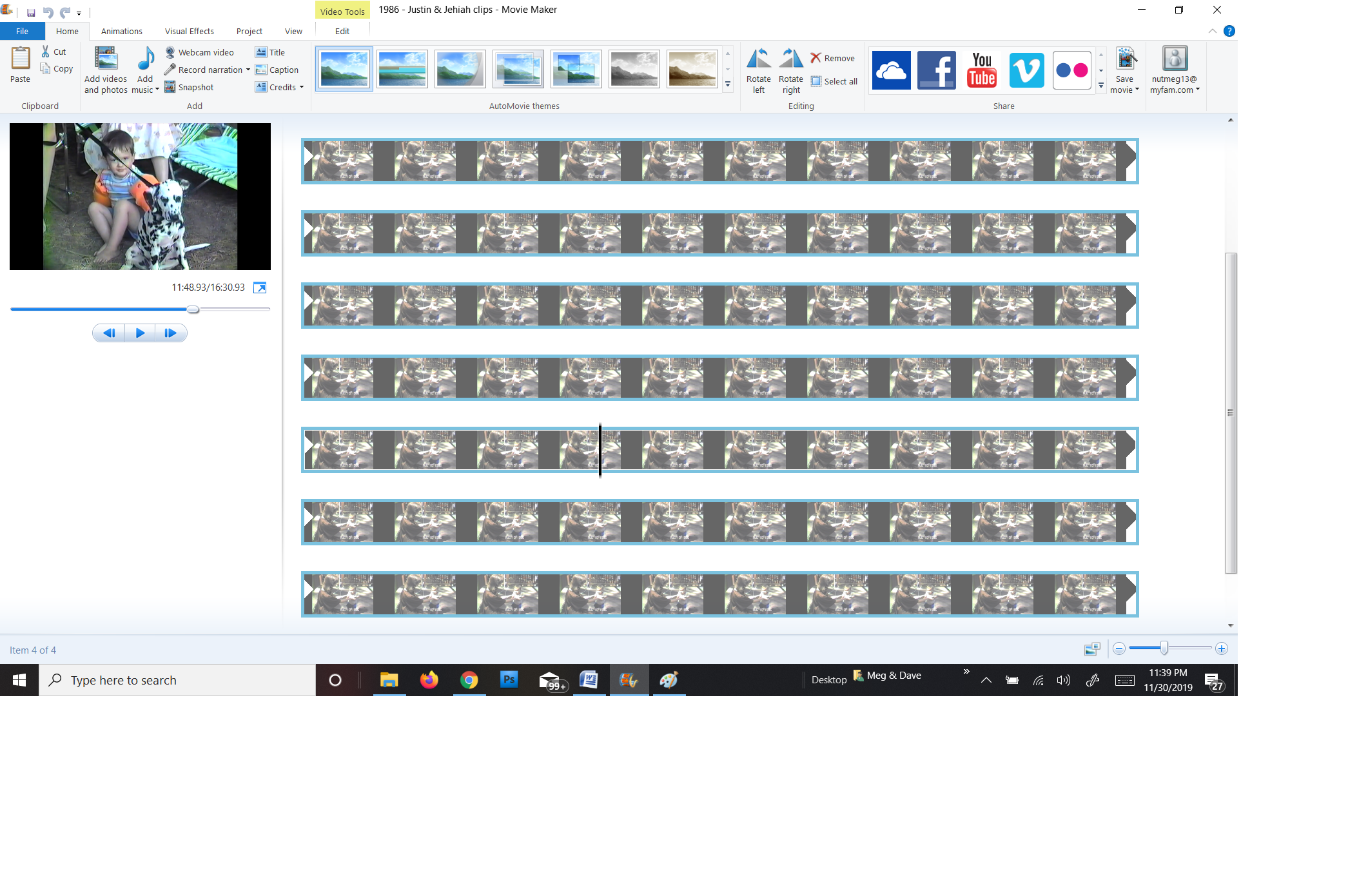
MP4 Movie (2) - Showing 1st shot of movie on left, with same shot repeating multiples times on right ~
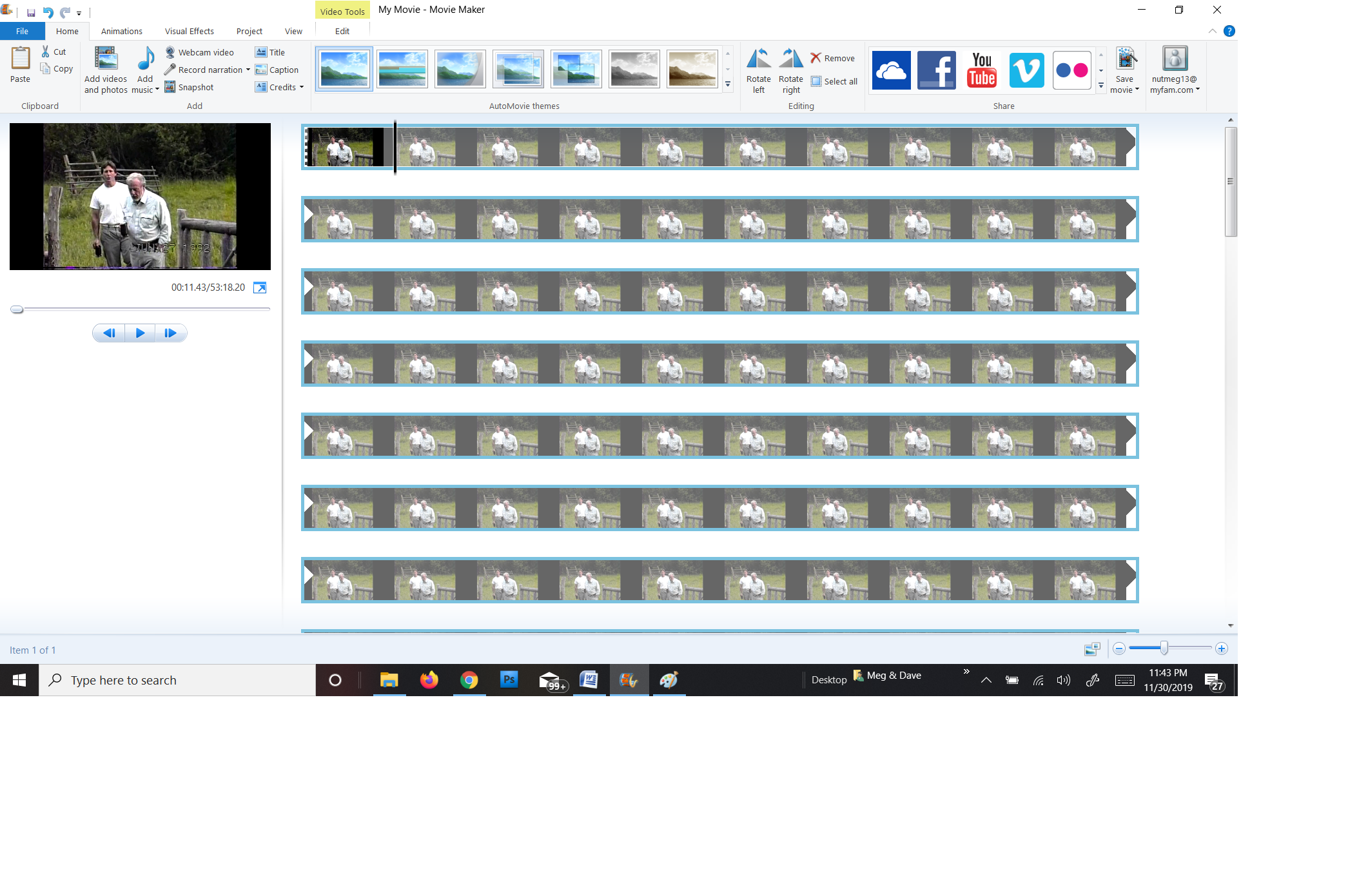
Same MP4 Movie (2) - Advanced further into film, still showing 1st shot as repeating thumbnail ~
I don't know what to do....Help!!!
Thank you,
Meg D
After the most recent outlook update all of my contacts are now missing
They were not shared with Icloud contacts How do I get them back
Recent Comments