问题 提问于 2020年4月23日
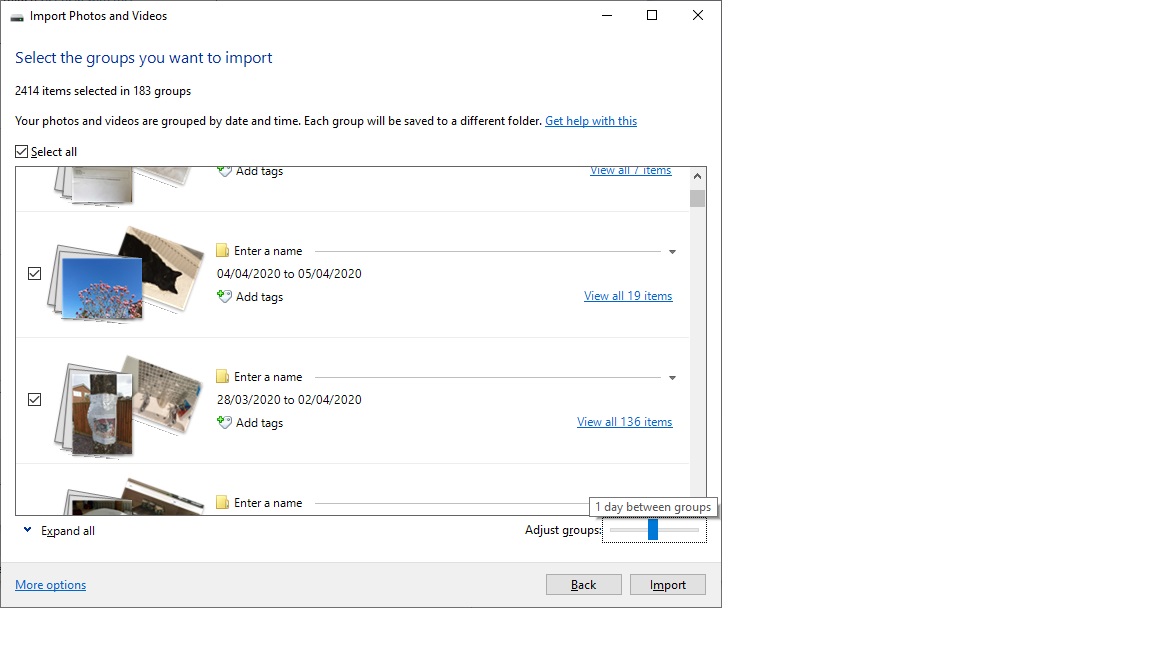
I have an issue with the photo gallery import, it works fine if it finds 'new' photos, but once i have started to import some, then the only option is to use grouping for the remainder, or if something went wrong on the first import and i had to be cancelled (removing photos uploaded). then it no longer sees the photos as new, so i can only use the grouping option. This used to work, but now for some reason, even though the adjust groups is set to 1 day between groups, the folders have multiple dates in them as shown in the screenshot. If i make it less than 1 day it splits days by time, which i dont want. how do i resolve this so that each date a photo was taken has its own folder, and the files go in those folders??
撰写回答